RDVision Laser Cutting Control Software Operation Manual
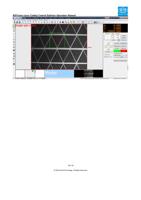
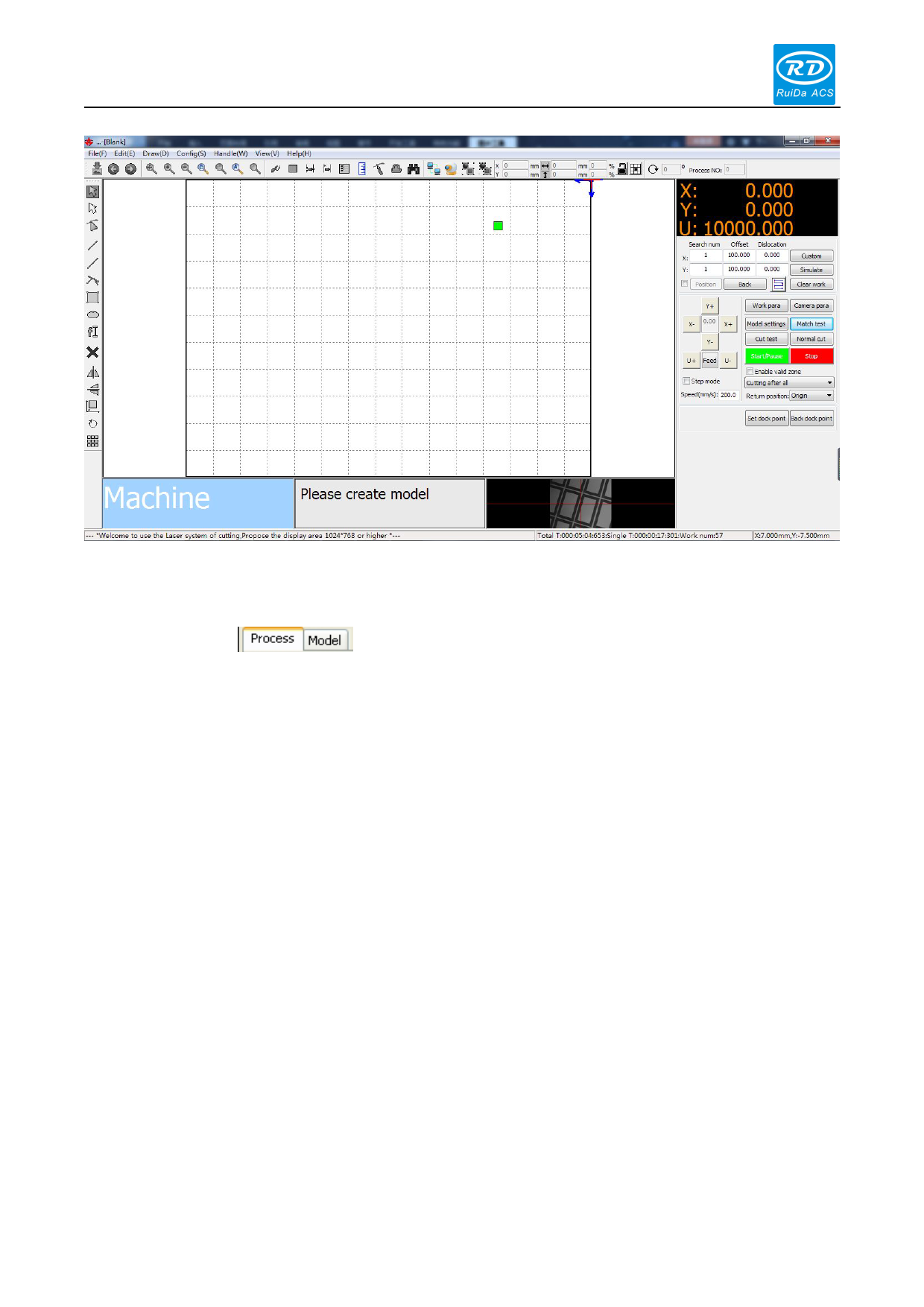
Figure 2.2
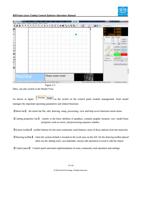
Ditto, can also switch to the Model View.
As shown in figure:
as the switch on the control panel module management. Each model
manages the important operating parameters and related functions.
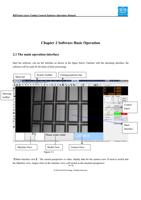
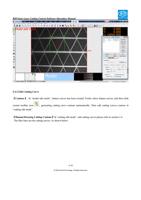
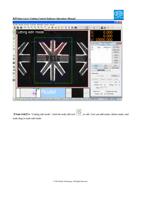
【Menu bar】: the menu bar file, edit, drawing, setup, processing, view and help seven functions menu items.
【Cutting properties bar】: mainly is the basic attribute of graphics, contains graphic location, size, model basic
properties such as zoom, and processing sequence number.
【System toolbar】: toolbar buttons for the most commonly used features, most of these options from the menu bar.
【Drawing toolbar】: when the system default is located in the work area on the left. On the drawing toolbar placed
often use the editing tools, can undertake various edit operation to need to edit the object.
【Control panel】: Control panel and main implementation of some commonly used operation and settings.
15 / 81
© 2016 Ruida Technology. All Rights Reserved.